Polygon Agent Spend Controls: Budgets, Expiry, Limits

Polygon agent spend controls give an AI agent a stablecoin budget, a list of approved actions and an expiry date, and the wallet itself rejects any payment outside those terms (Polygon).
The feature landed on Polygon's Open Money Stack (OMS) on 21 October 2026, and the agent can't raise its own limit after the rule is approved (Polygon).
That matters because the hard part of agent payments was never sending USDC. It's deciding how much an agent may send, to whom, and for how long, without handing it the whole wallet.
This guide covers what Polygon shipped, the four settings in a rule, how the wallet enforces them, a worked compute top-up example, how it compares with XDC AI and Keyban, where it falls short, and a checklist to run before you let an agent pay.
Key Takeaways
- A rule has four parts: a spend limit, approved actions, a time window and an off switch the team controls (Polygon).
- The terms sit in the wallet's onchain Sessions Module, and requests outside them are rejected at the contract level (Polygon).
- Revoking a session stops the wallet service at once, but the onchain entry is only removed during a later wallet execution (Polygon docs).
- Polygon's own pages describe the limit as per task, per payment and a 30-day total, so test which one your setup enforces (Open Money Agent skill).
- Smart sessions support EVM wallets only, and every session transaction must be sponsored by the relayer (Polygon docs).
What Polygon launched
Polygon announced the controls on its blog on 21 October 2026 under the headline "Agent payments with limits your team sets" (Polygon). The pitch: give an agent a narrow payment job on the wallet your customer already uses.
TokenPost reported on 26 October that the controls were enabled. It noted OMS entered technical preview in June 2026 with stablecoin support on Polygon and access to US cash and bank rails (TokenPost).
OMS already added USDT payments on TRON on 8 October (TokenPost), a move we covered in Polygon's Open Money Stack adds USDT on TRON. Agent spend controls are the next layer: a rule that sits between a funded balance and the agent that wants to spend it.
Scale is the reason payment teams pay attention. More than $3 trillion in stablecoins has moved on Polygon Chain (Polygon).
The four settings in an agent spend rule
Polygon's launch post shows a rule with a 500 USDC spend limit, three approved actions (inference API, GPU compute, dataset API), a window that expires on 20 November at 18:00 UTC, and an off switch (Polygon). Here's what each setting does and what we would check before relying on it.
| Setting | What Polygon says it does | What to check | Source |
|---|---|---|---|
| Spend limit | The most the agent can spend on the task; the product page says the maximum each payment can use | Whether your grant caps the task total, each payment, or both | Polygon blog, agent controls |
| Approved actions | The contracts and payment methods the agent may call; transfers limited to the asset and recipient the owner approves | That every provider address is on the list and nothing broader is | Polygon blog, agent controls |
| Time window | When the permission ends; expired sessions can't pay | That the expiry matches the job, not a default | agent controls |
| Off switch | The owner can revoke the rule at any time; the agent can't extend it | How fast revocation reaches the chain in your flow | agent controls, Smart Sessions docs |
Polygon's demo shows why the cap matters. Asked to pay a 650 USDC dataset invoice under a 500 USDC limit, the agent's request is rejected by the wallet contract and the agent replies that it can't raise the limit itself (Polygon).
How the wallet enforces the rule onchain
The team defines the allowed contracts and methods, maximum token amount and expiry, and those terms are recorded in the wallet's onchain Sessions Module. The agent and backend can submit a payment request, but they can't increase the budget, widen the actions or extend the expiry (Polygon).
Under the hood this is Polygon's Smart Sessions system. A client app, a remote backend and Polygon's wallet-as-a-service (WaaS) each play a part; after owner approval, WaaS creates an enclave-held session signer, and the session key never leaves the enclave (Polygon docs).
Sessions are bounded by native-token or ERC-20 transfer grants, and a session can't expire after its remote credential does (Polygon docs). The wallet stores a single Merkle root onchain, and a wallet configured on Polygon works the same on any supported EVM chain without redeployment (Polygon docs).
💡Why onchain matters: most agent wallets check limits in an API before signing. Here the Sessions Module rejects an out-of-scope transfer at the contract level, so a compromised backend still can't push a payment past the grant the owner approved.
A payment request is not a spending permission
Polygon draws a clean line between two jobs. Protocols such as x402 and Stripe's Machine Payments Protocol let a service state its price and ask to be paid; the spend control decides whether the agent is allowed to pay at all (Polygon).
That split is useful for builders. You can keep whichever payment protocol your providers speak and still put the budget, the allowlist and the expiry in the wallet, where the agent can't edit them.
Worked example: an agent that keeps GPU compute funded
Polygon's product page lists four uses: topping up inference credits, funding a compute job, buying research and paying operational invoices (Polygon). Its examples include 4 GPU hours for 120 USDT against an approved maximum of 150 USDT, and an invoice run at 100 USDT per payment where 60 and 75 USDT invoices are sent and a 140 USDT invoice is blocked (Polygon).
We ran the same idea as a weekly job. Picture an agent with Polygon's sample rule of 500 USDC, approved GPU and inference providers and a 20 November expiry, topping up 120 USDC of compute each week.
| Request | Amount | Running total | If the cap is a task budget | If the cap is per payment |
|---|---|---|---|---|
| Week 1 GPU top-up | 120 USDC | 120 USDC | Allowed | Allowed |
| Week 2 GPU top-up | 120 USDC | 240 USDC | Allowed | Allowed |
| Week 3 GPU top-up | 120 USDC | 360 USDC | Allowed | Allowed |
| Week 4 GPU top-up | 120 USDC | 480 USDC | Allowed | Allowed |
| Week 5 GPU top-up | 120 USDC | 600 USDC | Blocked (over 500) | Allowed |
| Dataset invoice | 650 USDC | n/a | Blocked | Blocked |
| Any request after 20 Nov 18:00 UTC | Any | n/a | Blocked (expired) | Blocked (expired) |
Source for the 500 USDC rule, 650 USDC rejection and expiry: Polygon. Running totals and outcomes are our arithmetic.
The fifth row is the one to test. Polygon's blog calls the limit "the most the agent can spend on this task" (Polygon blog), its product page says "the maximum amount each payment can use" (agent controls), and its Open Money Agent skill describes a USD total over a period, 30 days by default (Open Money Agent skill).
Those can all be true for different products on the same stack. Still, a per-payment cap that you think is a budget lets a looping agent spend 120 USDC every week until the rule expires.
How developers set it up
The fastest path is the polygon-agent CLI. You run polygon-agent wallet create with a cap such as --usdc-limit 50, then approve the limits in a browser with a 6-digit code shown in the terminal; servers without a browser can use --print-url (Polygon CLI docs).
Per-token caps, contract allowlists and DeFi permissions are set at creation, and wallet sessions last six months before you re-run wallet create (Polygon CLI docs). Polygon's own example approves up to 1,000 USDC and 1,000 USDT in one wallet (Polygon CLI docs).
Backends use the TypeScript SDK. A wallet can hold up to 100 active remote sessions by default, grant limits are raw base-unit amounts, and the remote access credential's private key must stay on the backend (Polygon docs).
For a broader view of cap design across wallets, our guide on how to set spend limits on an AI agent USDC wallet walks through per-transaction and daily caps step by step.
How it compares with other agent wallet controls
Polygon isn't the only team putting limits around agent wallets. Here's how its controls line up with two recent launches, based on each provider's own documentation.
| Feature | Polygon OMS agent spend controls | XDC AI | Keyban agent wallet |
|---|---|---|---|
| Where the limit is enforced | Onchain Sessions Module | Onchain spending limit on a Safe smart wallet | Policy engine before a 2-of-2 signature |
| Limit types | Budget, approved actions, expiry | Spending limit | Cap per purchase, per day, approved payees |
| Human escalation | Owner revokes or reviews the rule | Revoke any time | A person approves above a threshold |
| Payment protocol | Works alongside x402 or MPP | x402, gasless EIP-3009 | x402 via an MCP server |
| Assets | Native and ERC-20 transfers on EVM chains | USDC on XDC | Per-call services priced in euros |
| Source | Polygon, docs | XDC AI docs | Keyban |
Keyban's model adds a human step that Polygon leaves to your app: below a threshold the agent moves on its own, and above it the request reaches a person (Keyban). XDC AI caps spend onchain like Polygon but ties it to USDC payments over x402 on XDC (XDC AI docs).
Our take
🧭Our take: putting the budget, allowlist and expiry in the wallet contract is the right design, because it holds even if the agent or its backend is compromised. But the off switch isn't fully onchain the moment you press it. Revocation stops Polygon's wallet service right away, while the onchain entry is cleared on a later execution, so the guarantee depends on WaaS honoring the revoke in between. Treat that gap, and the per-task versus per-payment wording, as items to test, not assume.
The revocation detail comes straight from Polygon: revoking "immediately stops the wallet service from using that permission" and "the onchain configuration is updated during a later wallet execution" (Polygon).
Where it falls short today
Smart sessions currently support EVM wallets only, and WaaS rejects preparation when a session transaction isn't sponsored by the relayer (Polygon docs). Non-EVM balances, such as the TRON USDT flows OMS added in October, sit outside this model.
Grants cover native-token and ERC-20 transfers (Polygon docs), so richer rules such as "only pay invoices that match a purchase order" still live in your app. Rotating a credential needs a new key, a new client and a new registration, and sessions authorized for the old credential don't carry over (Polygon docs).
NewsBTC's coverage makes the same point from the outside: policy settings can't remove all risk, and developers should test revocation, monitoring, reconciliation and failure behavior before production (NewsBTC).
Checklist before you let an agent pay
- Confirm whether your grant caps the task total, each payment or a rolling period, and run a test that crosses the line.
- Set the expiry to the job's real end date, not the CLI's six-month session default.
- Allowlist provider addresses one by one and skip broad DeFi permissions unless the task needs them.
- Convert every grant limit to base units using the token's decimals, then read it back before approval.
- Revoke a test session, then try a payment before and after the next wallet execution.
- Persist each transaction ID before you execute it, as Polygon's backend guide advises, so retries don't double pay.
- Reconcile agent spend daily against provider invoices.
For the last step, our guide on how to reconcile AI agent USDC spend covers the ledger side.
⚠️Base-unit trap: Polygon's backend docs take grant limits as raw base-unit amounts. A cap typed in whole tokens instead of base units can end up a tiny fraction of what you meant, or far larger if the decimals are wrong the other way, so check the number the owner sees before they approve.
FAQ
What are Polygon agent spend controls?
They're rules on Polygon's Open Money Stack that give an AI agent a stablecoin budget, approved actions and an expiry, enforced by the wallet onchain (Polygon).
Can an AI agent raise its own spending limit?
No. The agent and backend can request payments but can't increase the budget, widen the actions or extend the expiry after approval (Polygon).
What happens if an agent goes over budget?
The wallet rejects the request, and it also rejects payments to unapproved recipients or after the permission expires (Polygon).
How do I stop an agent from paying?
Revoke its session. That stops the wallet service at once, and the onchain configuration is updated during a later wallet execution (Polygon).
Do Polygon agent spend controls work with x402?
Yes, they solve a different job. x402 and the Machine Payments Protocol state the price, and the spend control decides whether the agent may pay (Polygon).
Which chains and tokens are supported?
Smart sessions support EVM wallets and cover native-token or ERC-20 transfer grants (Polygon docs).
What to watch next
Watch for three things: Polygon settling on one definition of the spend limit across its pages, revocation that clears onchain without waiting for the next execution, and support beyond EVM wallets.
If you're building an agent that buys compute, data or API calls, start with one narrow rule, a small budget and a short expiry. Prove the rejections work, then widen the job.
This content is provided for informational and educational purposes only and does not constitute financial, investment, legal or tax advice. Product features, limits and availability can change; the Polygon pages and docs quoted here were read on 2 November 2026, and the worked examples in this article are our own scenarios built on Polygon's published examples, not a test of the live product. It is not a recommendation to buy or sell any token, including POL, USDC or USDT, and no material herein should be interpreted as an endorsement or solicitation.
Join the official Coincamps community:
Telegram: https://t.me/coin_camps
Recommended
BIT: Joins Hands with AMINA to Expand Switzerland's Digital Asset Market
Nov 2, 22:46Franklin Templeton: The Next Generation of Agents Has Arrived
Nov 2, 22:28ZachXBT: EU Institution Suspected of Losing Over $106 Million in Hack, Hackers Transferring Funds via ETH and Monero
Nov 2, 21:31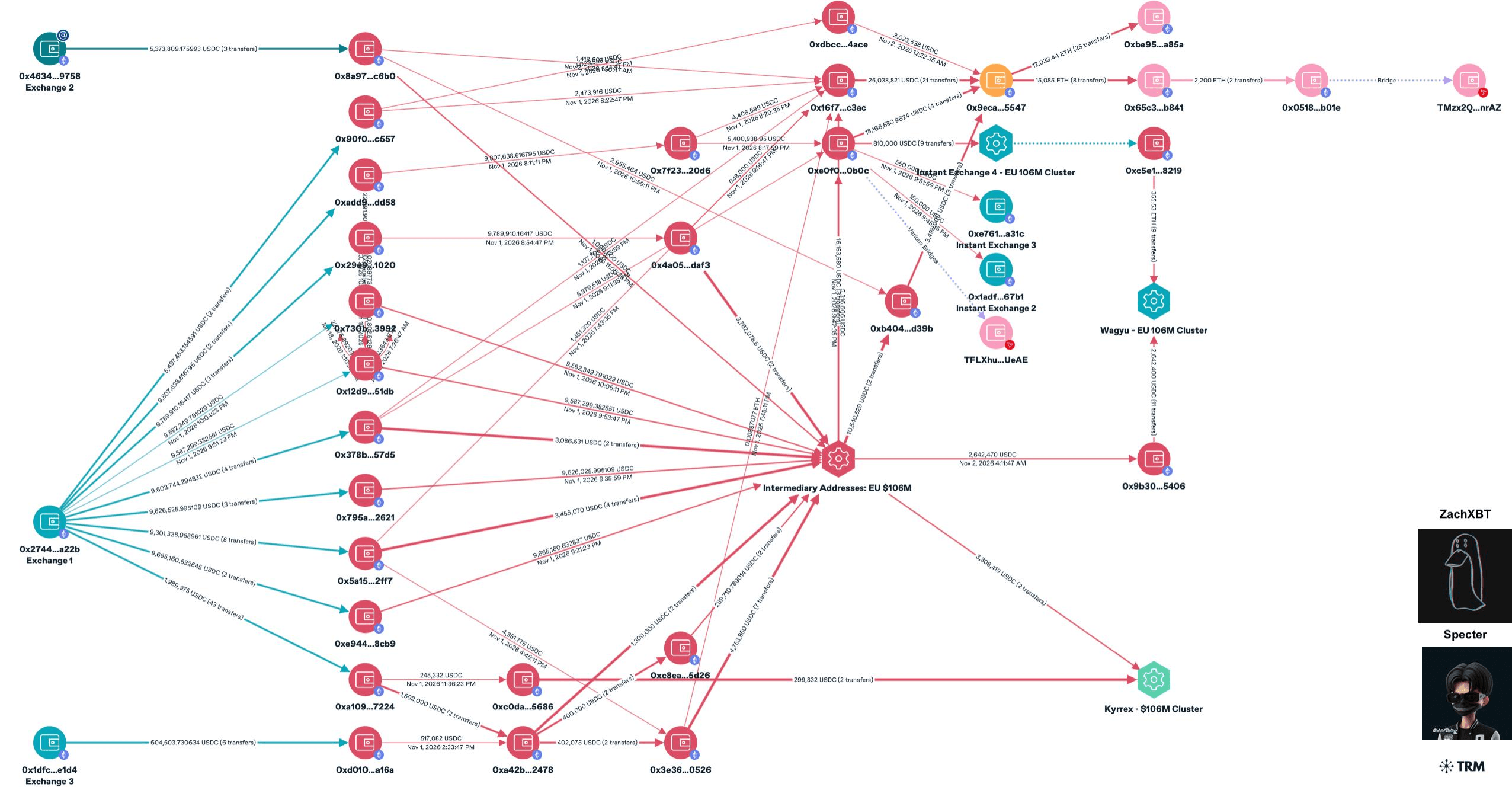
Stealing $11.8 Billion in a Decade: How North Korea Became the Crypto World's Top Predator
Nov 2, 21:30Marvell Announces $115 Billion Acquisition of Lumentum to Build Optical Interconnect Giant in AI Computing Era
Nov 2, 21:19
Sequoia Partner: SpaceX Stands on the Eve of an NVIDIA-Style Growth Explosion, With Starship, AI Computing Power, and Direct-to-Cell Satellite Connectivity Severely Undervalued
Nov 2, 20:52